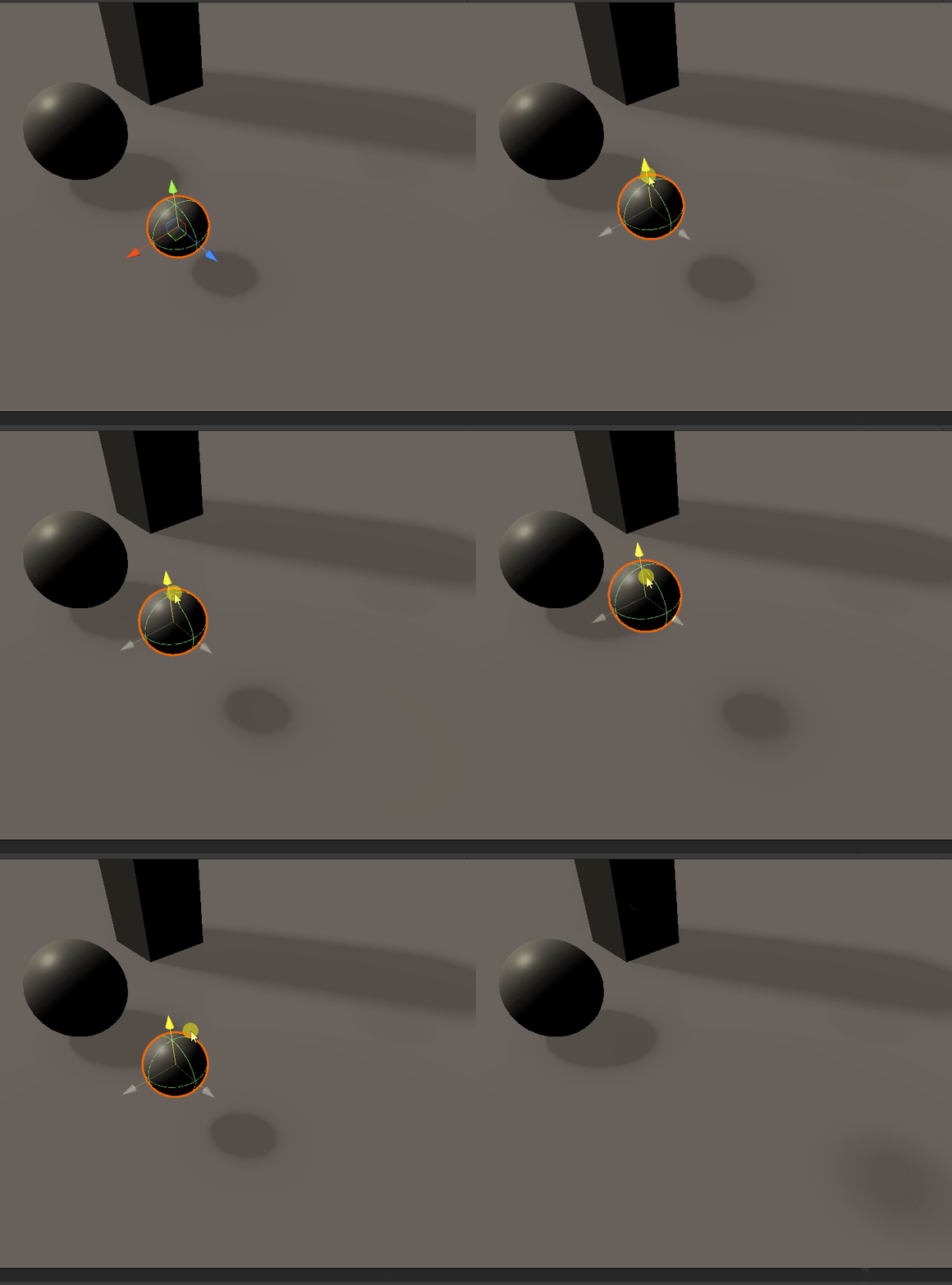
VRage3 Raytraced GI On/Off Comparison
Space Engineers uses a lot of semi-metallic materials, which gives a sort of "car paint" feel to the armor blocks. However, when showcasing raytracing I would prefer more matte materials, which are more common and our eyes are more used to looking at. With the debug menu added in 2.0.2.47, I can use debug menu settings to adjust these semi metallic materials to be matte while keeping metals still metallic (this can be done by enabling the debug menu with Ctrl+F12 and going to


Space Engineers 2: Rendering Engineering Work
All images taken from Marek's Dev Diary. Custom images of gameplay will be captured later, especially after the release of VS2.


"Super Imposter" shader: my journey to make a high quality imposter shader
The Goal First, the definition of what I was trying to accomplish: rendering with polygons and with voxels are two currently very well...
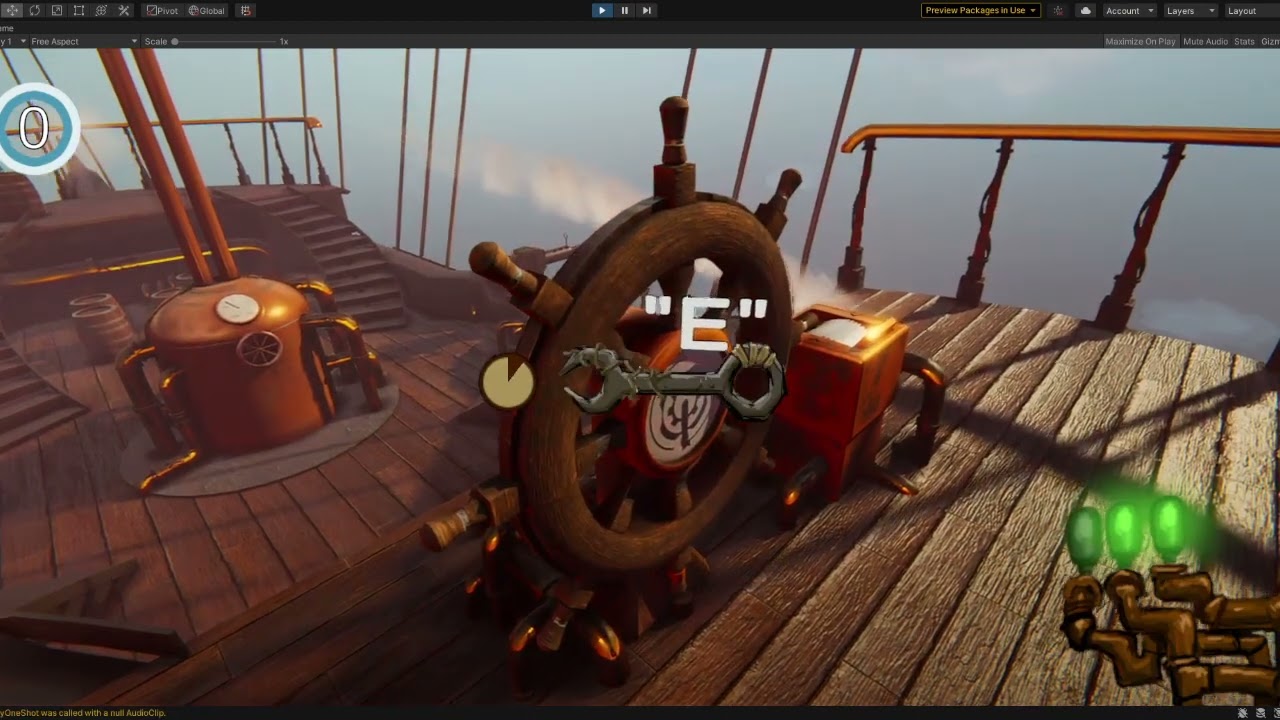
Scenario Test Week 2020: Unity Airship game
In order to test the functionality of the systems in Unity's latest release, everyone got into groups and made small games. Our original...
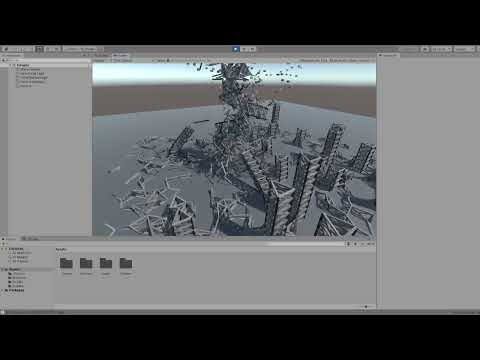
Project at Unity: DOTS Tornado simulation
During my time at unity, before Covid hit, we were given a week of training in the new paradigm meant to improve performance, networking,...


Progress made on my fractal program part two: create your own fractals!
This took around a week to do but it was well worth it. Clicking the "custom function" checkbox will take you to this UI: The proper way...


Progress made on my fractal program: part one (more fractals!)
I wanted to make two blog posts, one dedicated to some of the new built in fractals I added into my fractal program, and one for the more...


Images made with the latest iteration of my fractal program
I've added some more fractal algorithms, such as Burning Ship, Burning Ship Julia, Distorted Mandelbrot (my own algorithm) and Distorted...


More work done on fractal program + download link
New features: Custom Julia Set position! Input a custom position or middle mouse click anywhere to set the position. Middle mouse click...


C++ Escape Time Fractal Program - Improvements
I took a week or so break from coding (Guilty Gear Strive is addicting!) but a couple of days ago I got back into working on the fractal...